
Student instructions
Student instructions
Completion requirements
2. Logging in
Logging in
- Open your web browser and go to https://moodle.samk.fi.
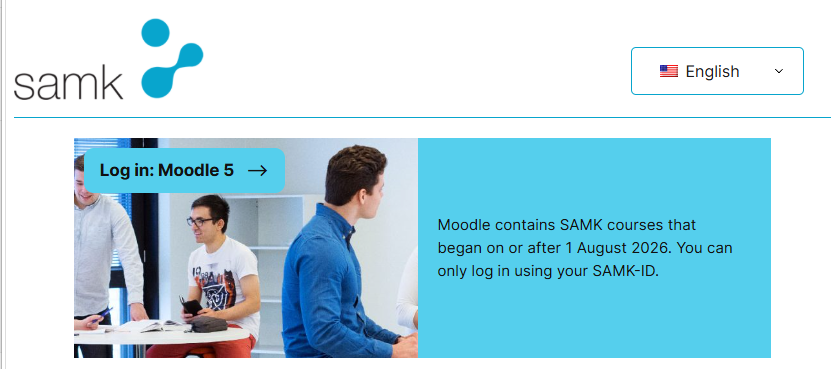
- The page displays links to the Moodle environments used at SAMK. Course implementations starting on or after 1 August 2026 are available in Moodle5. Select Log in: Moodle5.
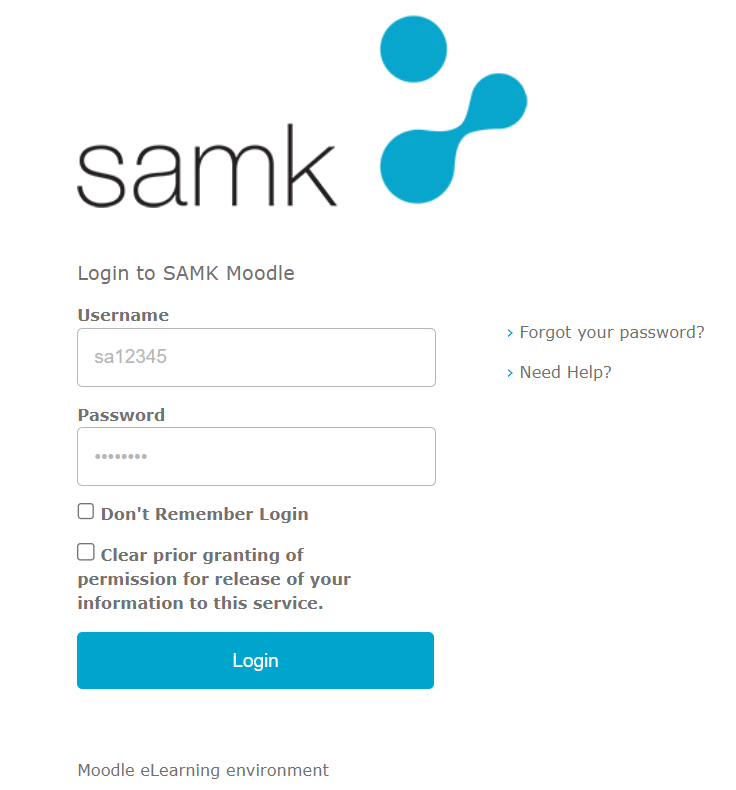
You will then be taken to the login page, where you need to enter your SAMK ID (please note: not your email address) and the corresponding password. After that, click Login to access the My courses page in Moodle.
If you experience any problems logging in, please contact the Service Desk or the ICT Helpdesk by phone at +358 2 479 2000.
Please note: After your first login, your courses will appear in Moodle as your teacher makes them available.