Student instructions
Student instructions
Completion requirements
5. Courses (course implementations)
5.2. Progress tracking
If your teacher uses progress tracking in the course, you will see the due dates and completion requirements for tracked activities when you open the course content in Moodle.
Your teacher can monitor the progress of all students enrolled in the course. Depending on the completion criteria set by the teacher, some activities and resources are marked as completed automatically.
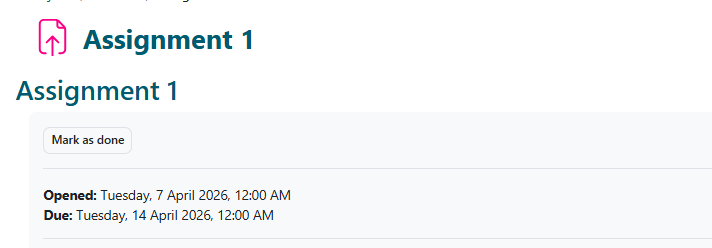
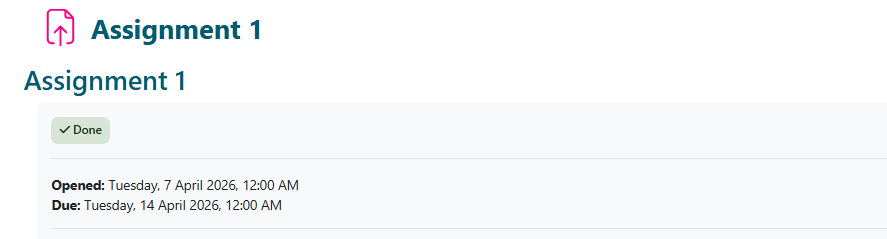
- A grey To do indicator means that the activity has not yet been completed.
- A green Done indicator means that the activity has been completed.
Some completion requirements require action from the teacher, such as awarding a grade.
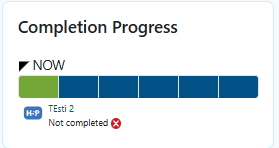
Depending on the settings defined by your teacher, due dates and completion requirements may also be displayed on the course home page.
Colour codes:
- Blue = The activity has not yet been completed.
- Green = The activity has been completed.
- Yellow = The activity is in progress.
- Red = The activity is overdue, or you did not receive a passing grade for it.