Student instructions
Student instructions
9. Workshop
- For the workshop to run successfully, all participants must follow the agreed schedule.
- The Workshop activity is used for peer assessment and self-assessment.
- You can view the different stages of the peer and self-assessment process on the assignment submission page.
- The current stage is highlighted in green, and completed stages are marked with a ✓ symbol.
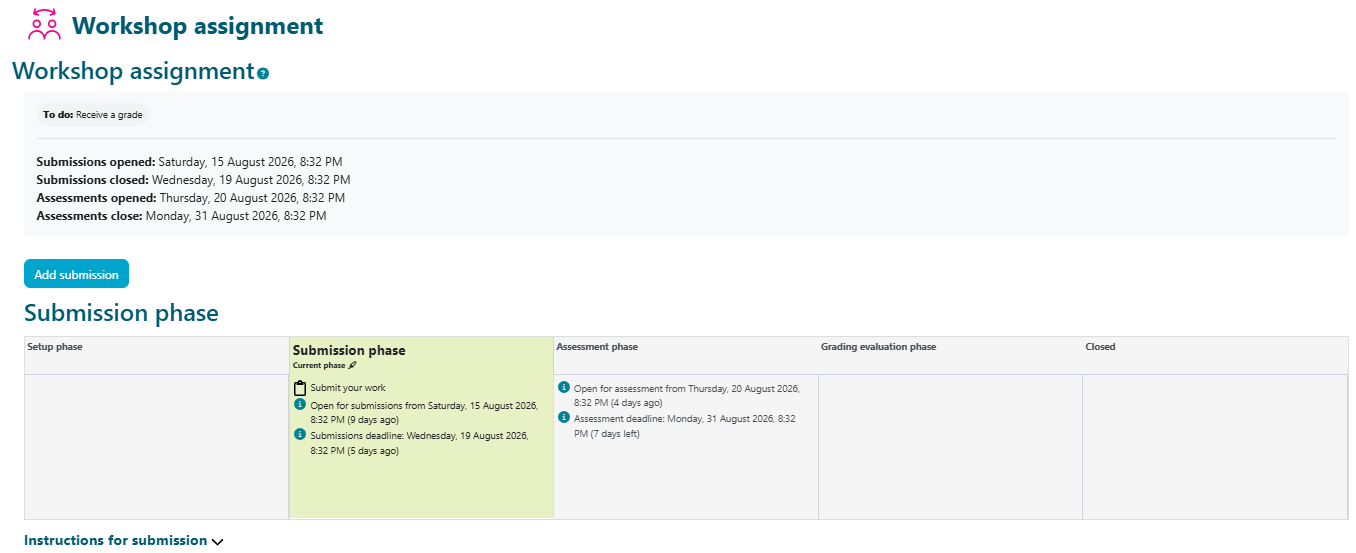
Submitting your work:
When your teacher opens the submission phase of the Workshop activity, the Start preparing your submission button will become available.
Enter a title for your submission and add your work either by uploading a file or by writing your response directly in the Submission content field.
When you are finished, click Save changes.
Peer assessment (Assessment phase)

In the next phase, you will provide peer feedback and/or complete a self-assessment according to your teacher's instructions.
In the Submissions to assess section, you can see how many submissions you have been assigned to assess and how many assessments are still outstanding.
Depending on the settings defined by your teacher, peer feedback may be given and received anonymously.
Assessment of peer reviews (Grading evaluation phase)
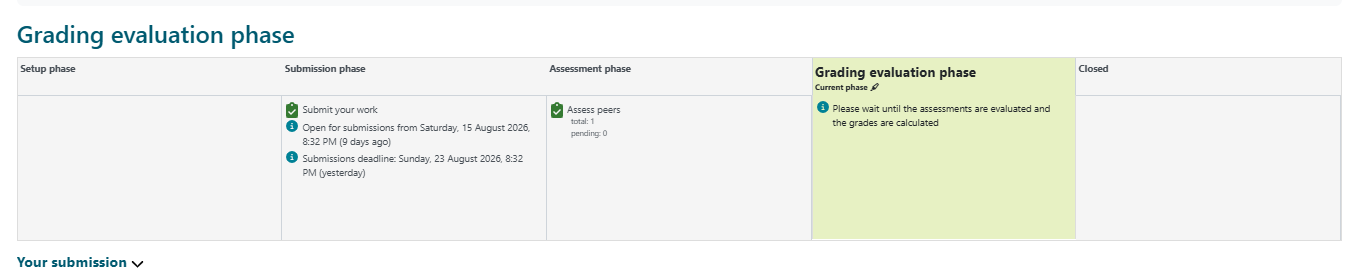
At this stage, you can no longer edit your submission or the peer assessments you have completed.
Your teacher will calculate the final grades and may provide feedback on both the submitted work and the peer assessments.
Closed:
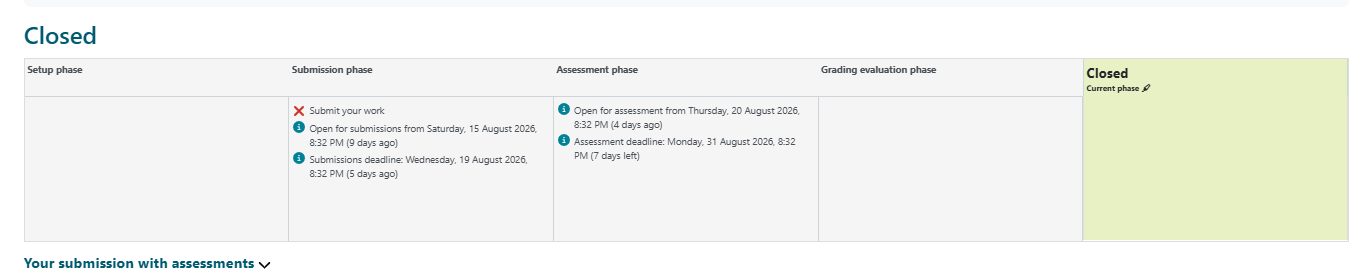
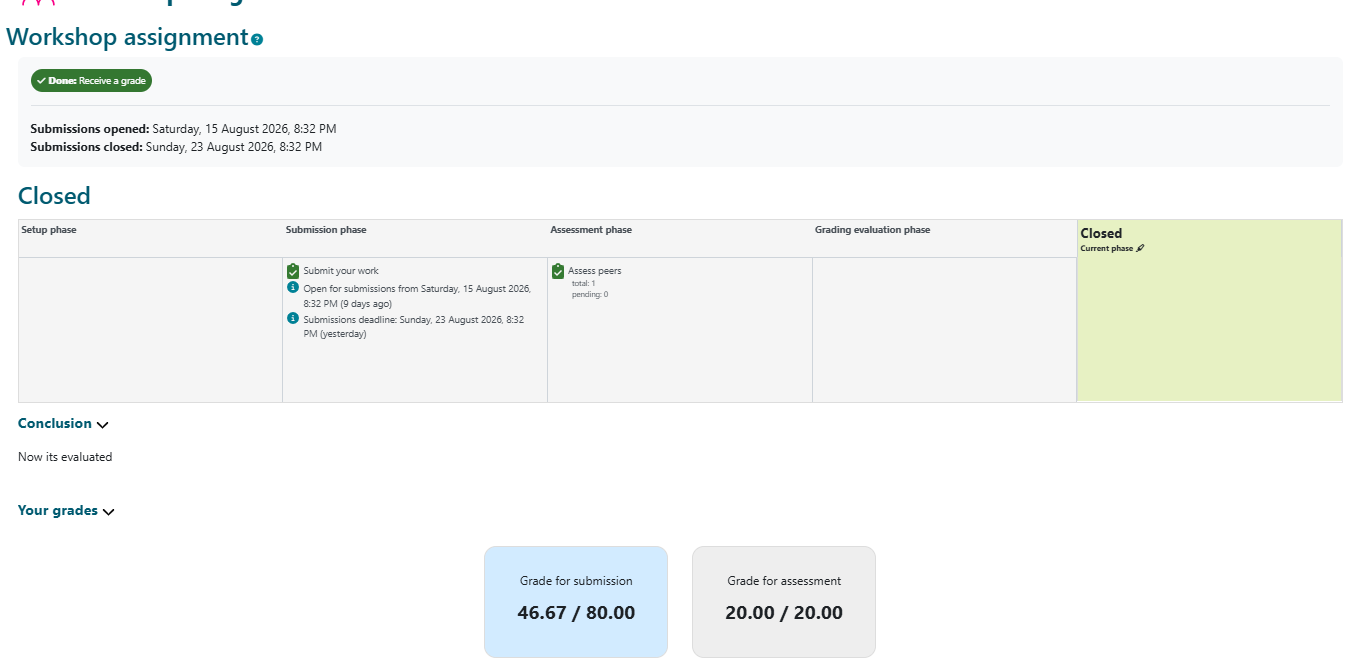
Your grades will become available once the teacher closes the Workshop activity.
- The Submission grade is based on the overall assessment given by the other students.
- The Assessment grade reflects how closely your peer assessments align with those of the other reviewers.
- If your assessments differ significantly from those given by other reviewers, your assessment grade may be lower.
To view the feedback you have received, click the title of your submission.