Student instructions
Student instructions
Completion requirements
5. Courses (course implementations)
5.1. Grades
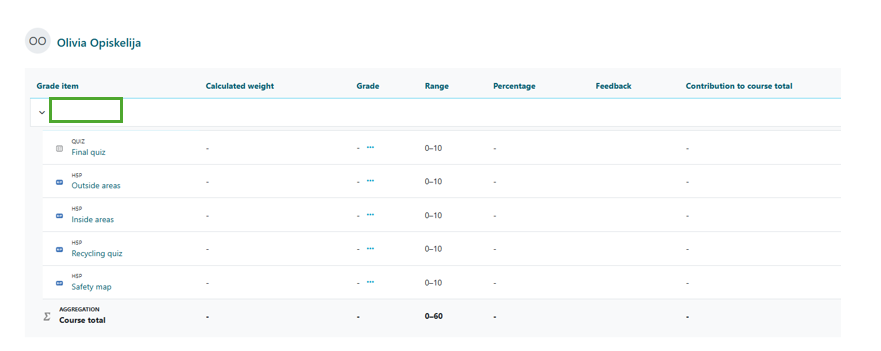
You can view your course grades by selecting Grades at the top of the Moodle course page.

By selecting Grades, you will open the grades page, where you can view your grades for the course. Please note that grades usually appear in Moodle only after your teacher has completed the assessment.